A printer test page PDF is the most reliable way to print a test sheet: the file has a fixed size, prints the same from any app, and works offline. Every sheet comes in Letter (8.5 × 11 in) and A4 (210 × 297 mm). Each download link below goes straight to the file.
Which PDF should you choose?
If you only print one test sheet, make it the Color Printer Test Page. It’s the best all-round printer sample page, with every ink, tints, gradients, fine lines and small text. Then pick by what you want to check:
- Black ink and text: the Black and White Printer Test Page, or the Grayscale pages for tonal detail. The full black page is the hardest test, and it uses the most ink or toner.
- One color looks wrong: the single color PDF for that ink, such as the Yellow or Cyan Printer Test Page.
- CMYK workflows: the CMYK Printer Test Page, which stores true CMYK values.
- Laser printers: the 40% gray field and the text page, or the color laser page for color models.
- Clogged inkjet nozzles: the Nozzle Pattern Test Page to see the gaps, then a purge sheet for the affected color.
- Size and alignment: the Print Scale Ruler Test Page and the Printer Alignment Test Page.
Each file shows its ink use, measured from how much of the page it covers. The colorful and purge sheets use far more ink than the rest.
Color test page PDFs
-
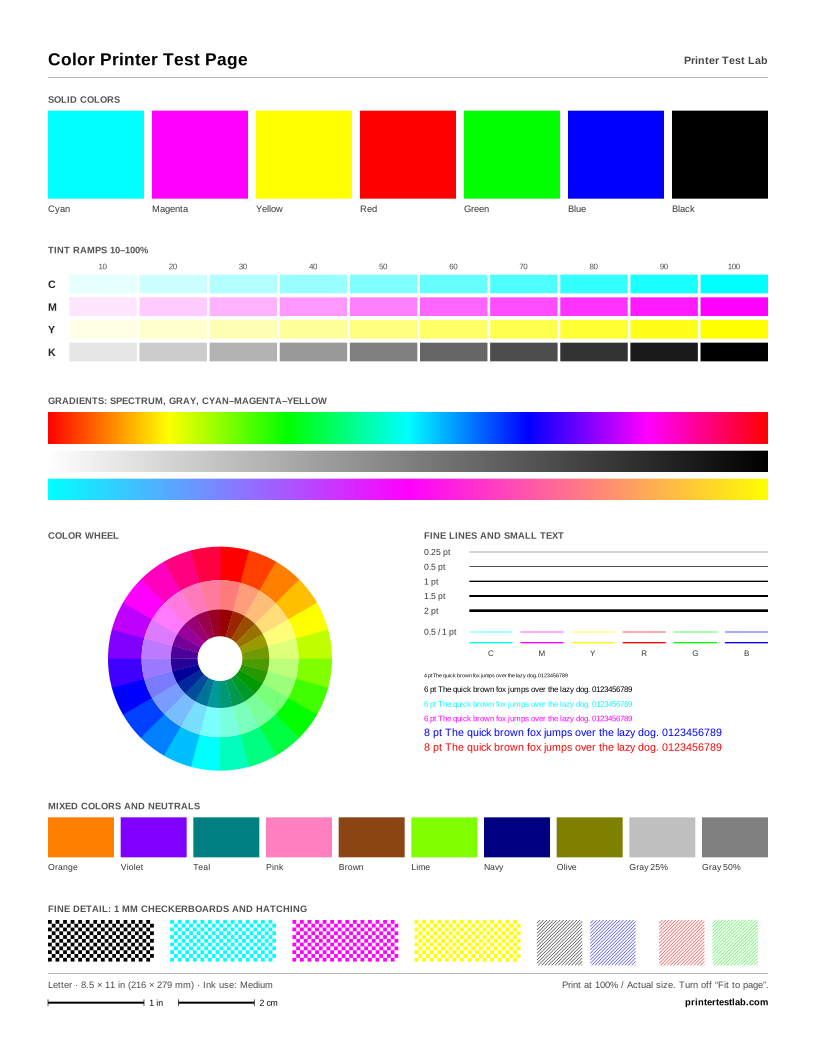
Color Printer Test Page
Solid colors, tint ramps, gradients, a color wheel, fine lines and small text on one page.
-
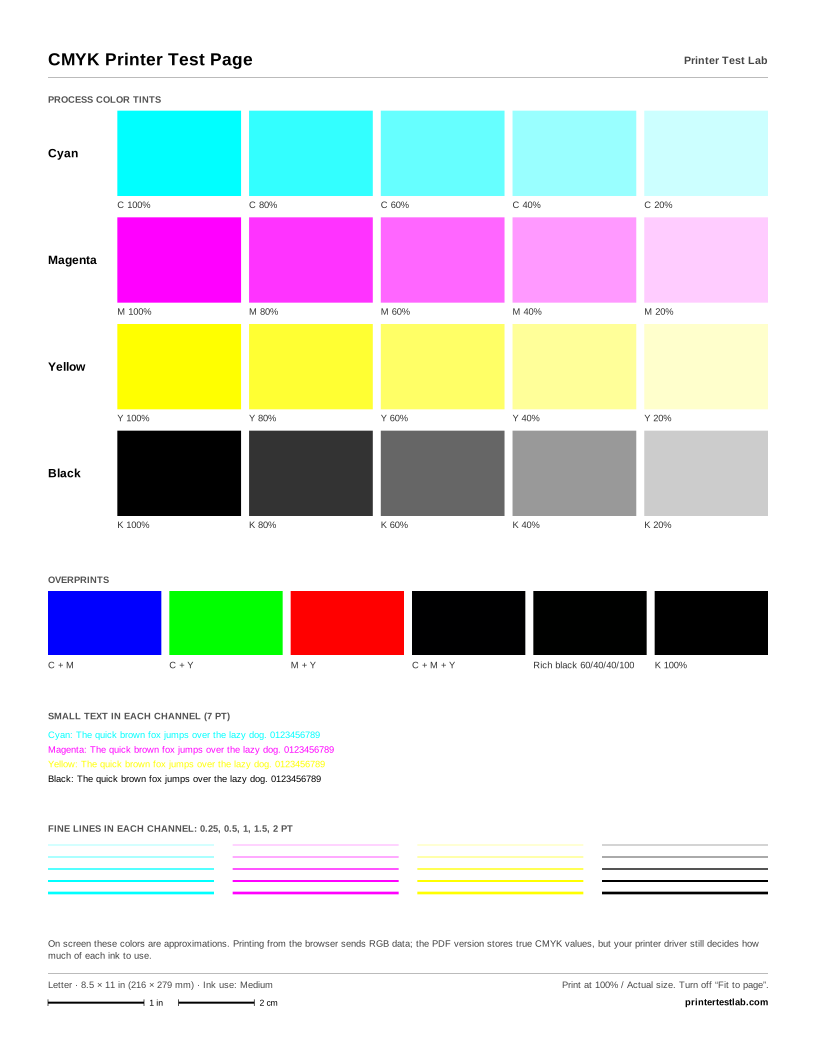
CMYK Printer Test Page
Cyan, magenta, yellow and black at 100, 80, 60, 40 and 20%, plus overprints. The PDF stores true CMYK values.
-
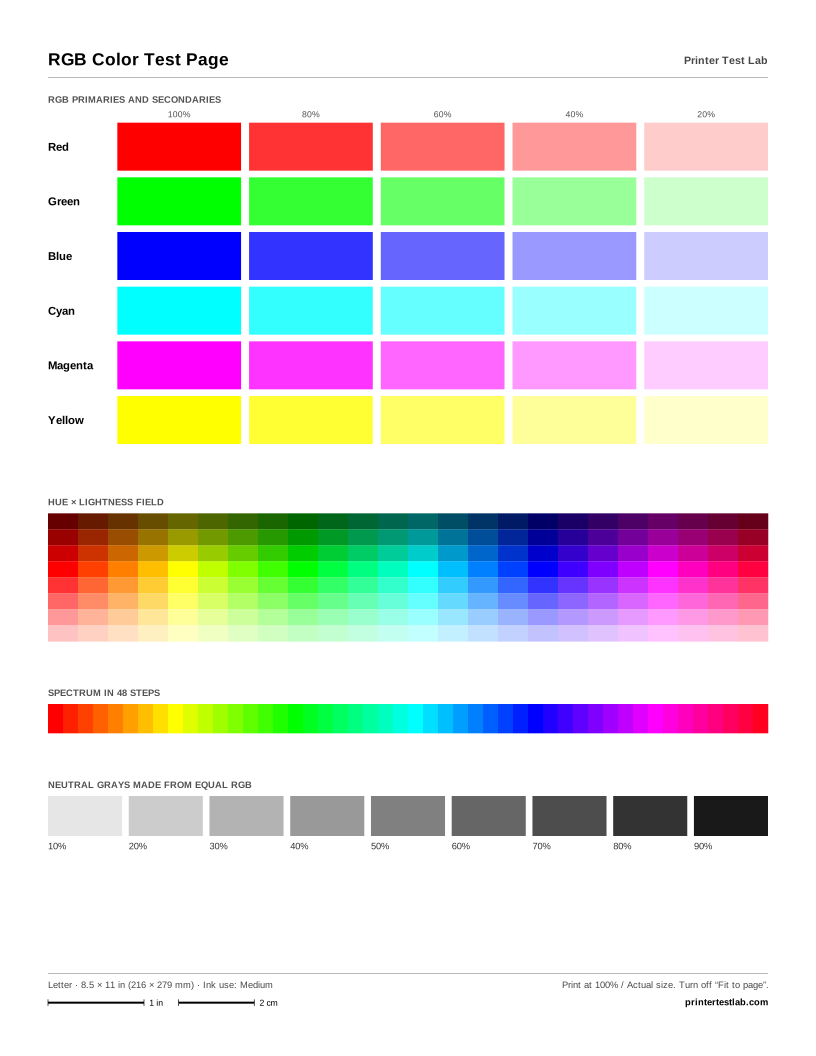
RGB Color Test Page
Red, green, blue and their secondaries in five tints, a hue and lightness field, and RGB neutrals.
-
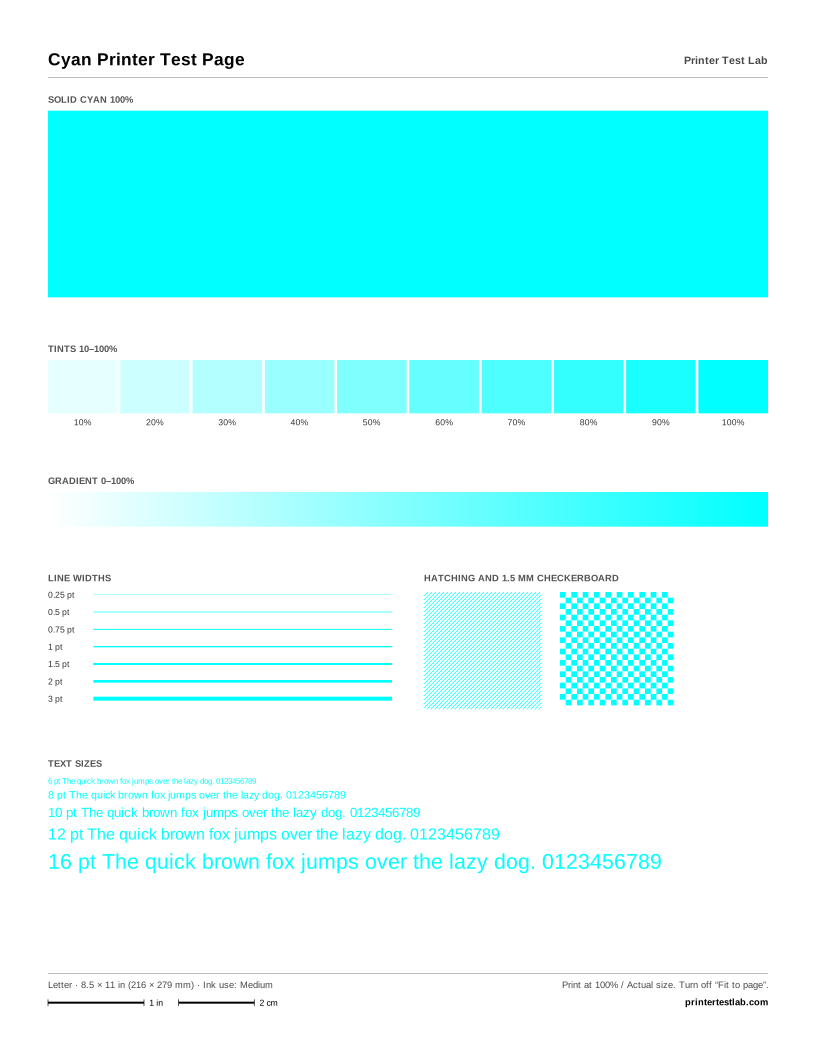
Cyan Printer Test Page
Only cyan: a solid block, tints from 10 to 100%, a gradient, line widths, fine patterns and text sizes.
-
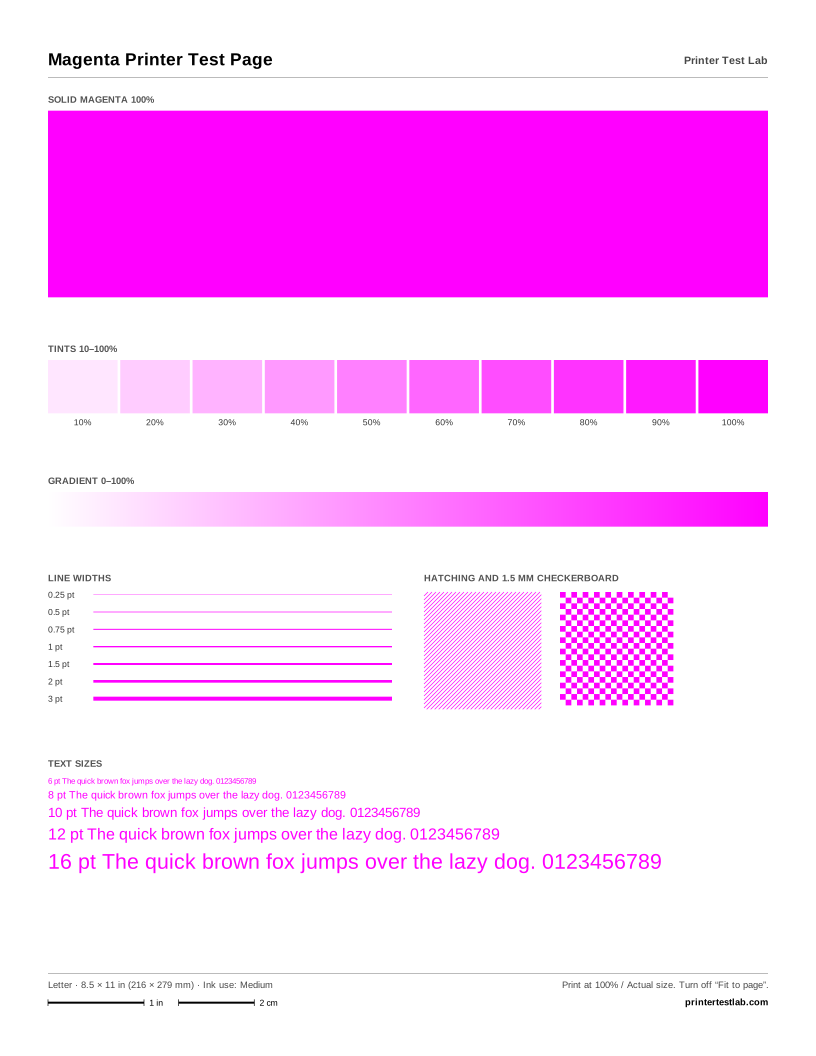
Magenta Printer Test Page
Only magenta: a solid block, tints from 10 to 100%, a gradient, line widths, fine patterns and text sizes.
-
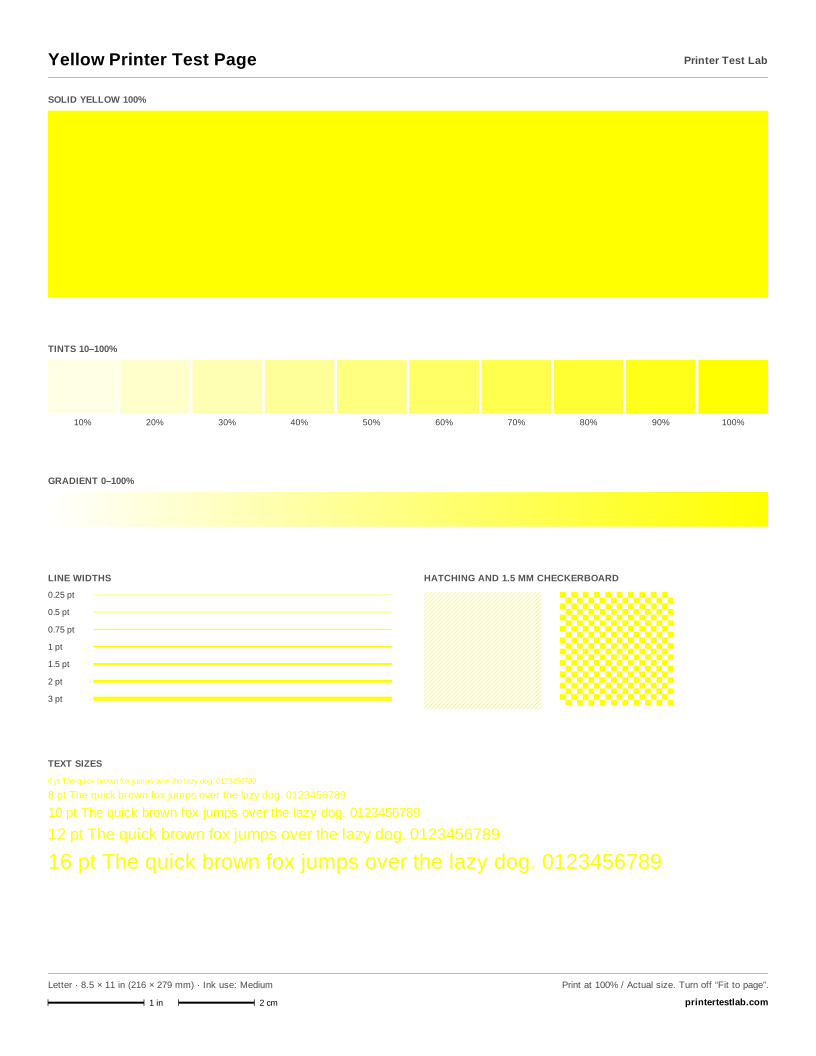
Yellow Printer Test Page
Only yellow: a solid block, tints from 10 to 100%, a gradient, line widths, fine patterns and text sizes.
-
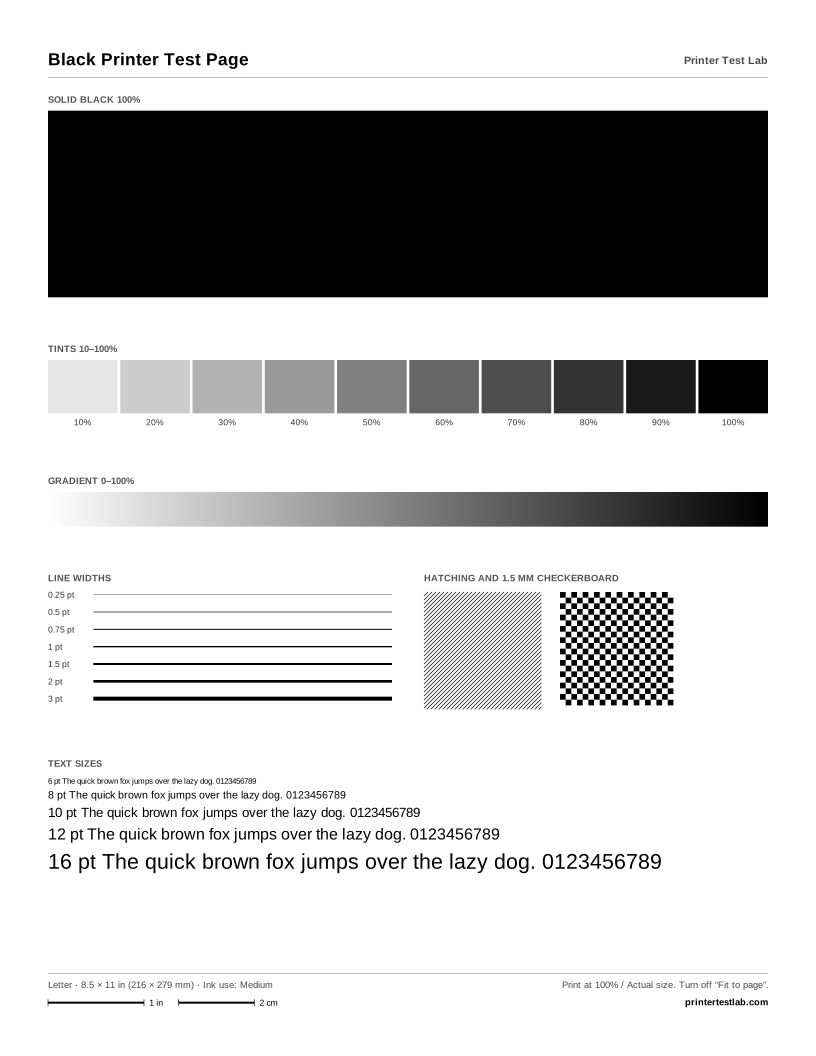
Black Printer Test Page
Only black: a solid block, tints from 10 to 100%, a gradient, line widths, fine patterns and text sizes.
-
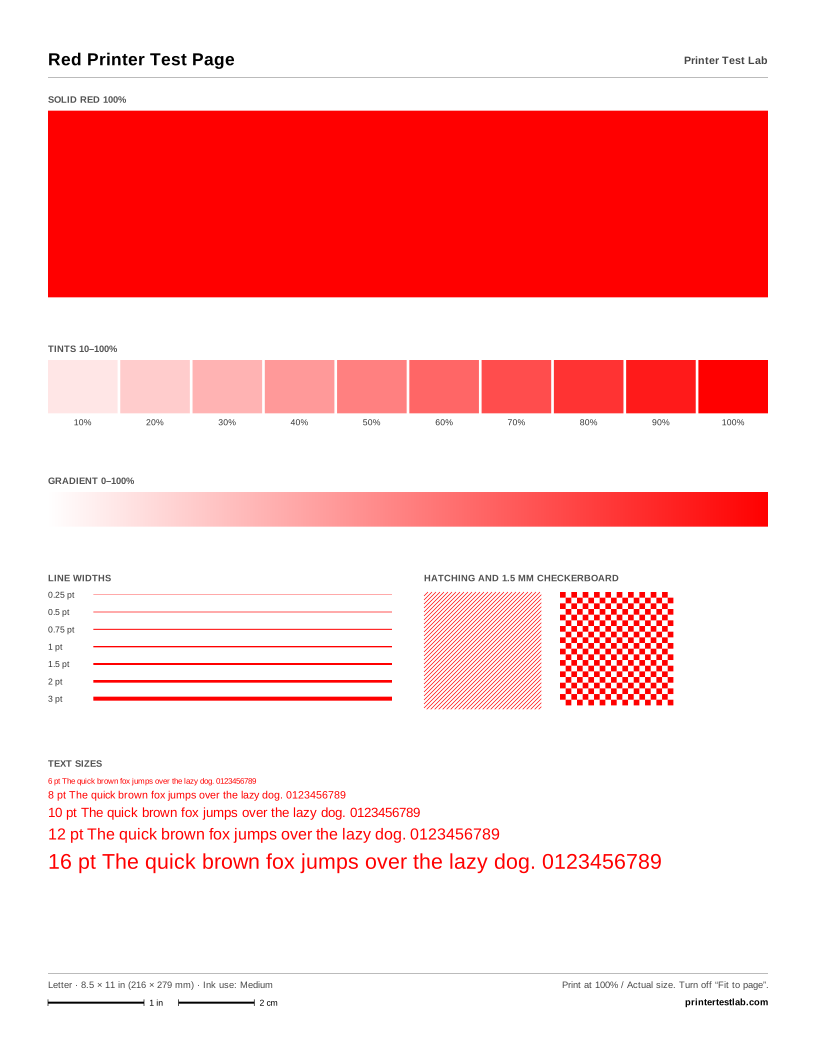
Red Printer Test Page
Only red: a solid block, tints from 10 to 100%, a gradient, line widths, fine patterns and text sizes.
-
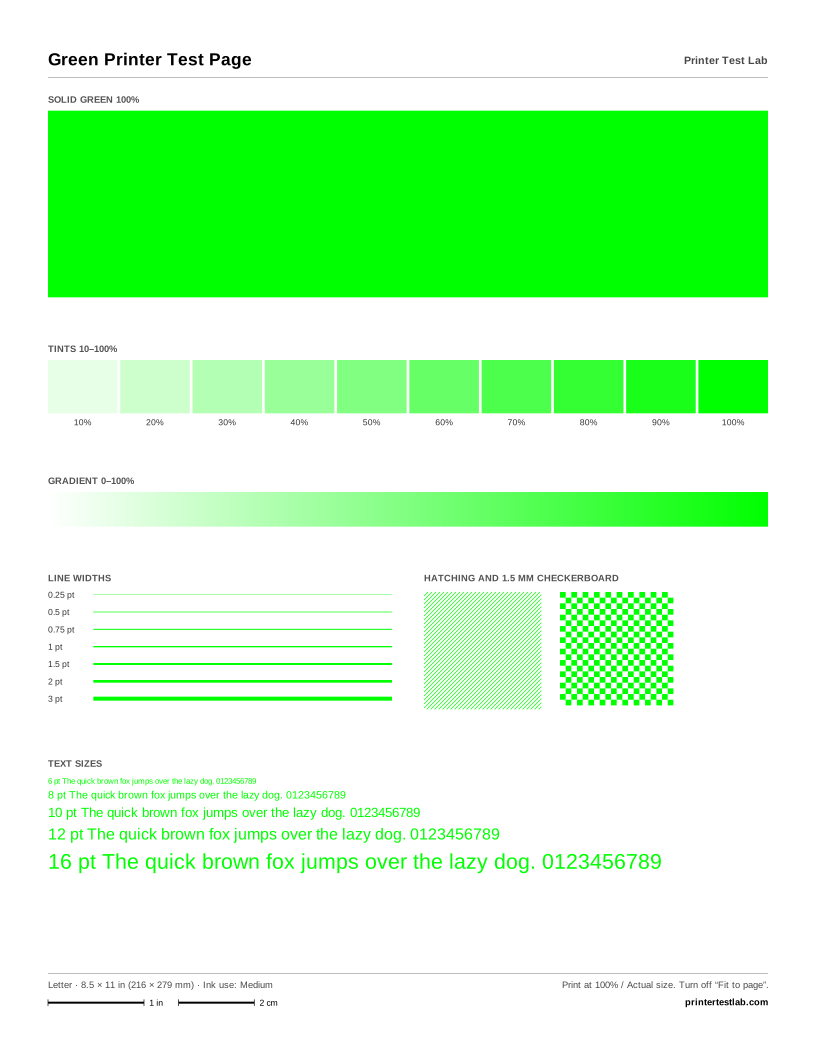
Green Printer Test Page
Only green: a solid block, tints from 10 to 100%, a gradient, line widths, fine patterns and text sizes.
-
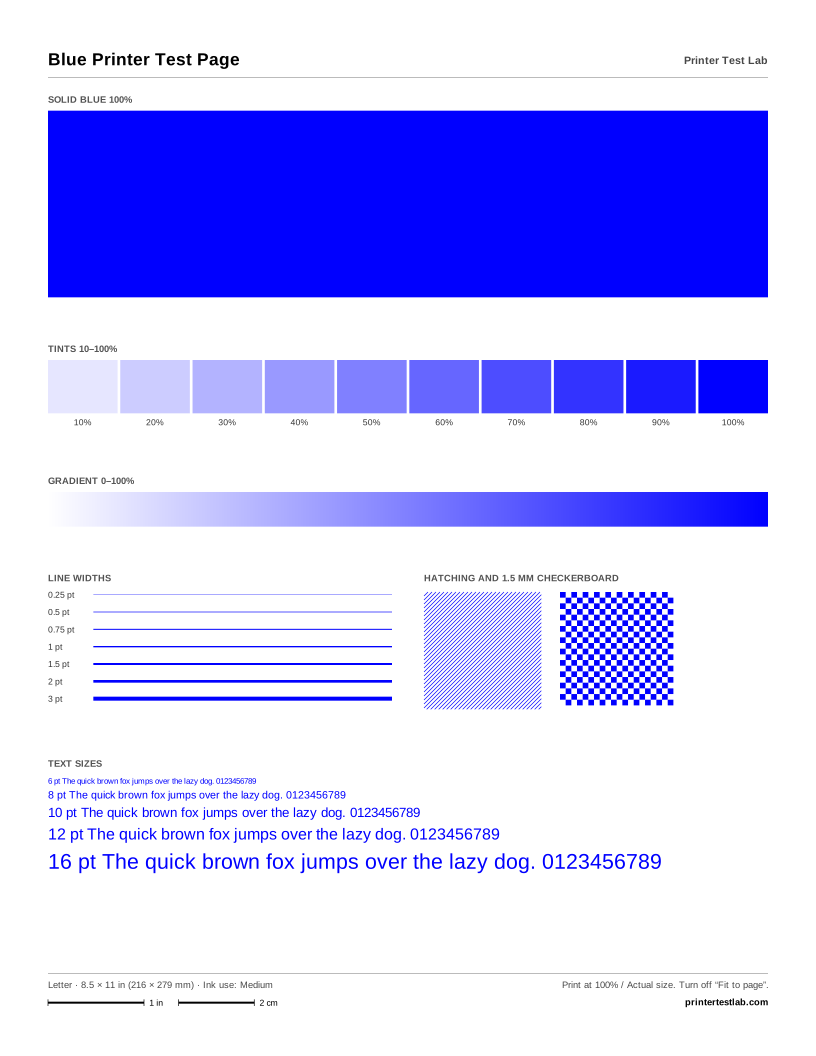
Blue Printer Test Page
Only blue: a solid block, tints from 10 to 100%, a gradient, line widths, fine patterns and text sizes.
-
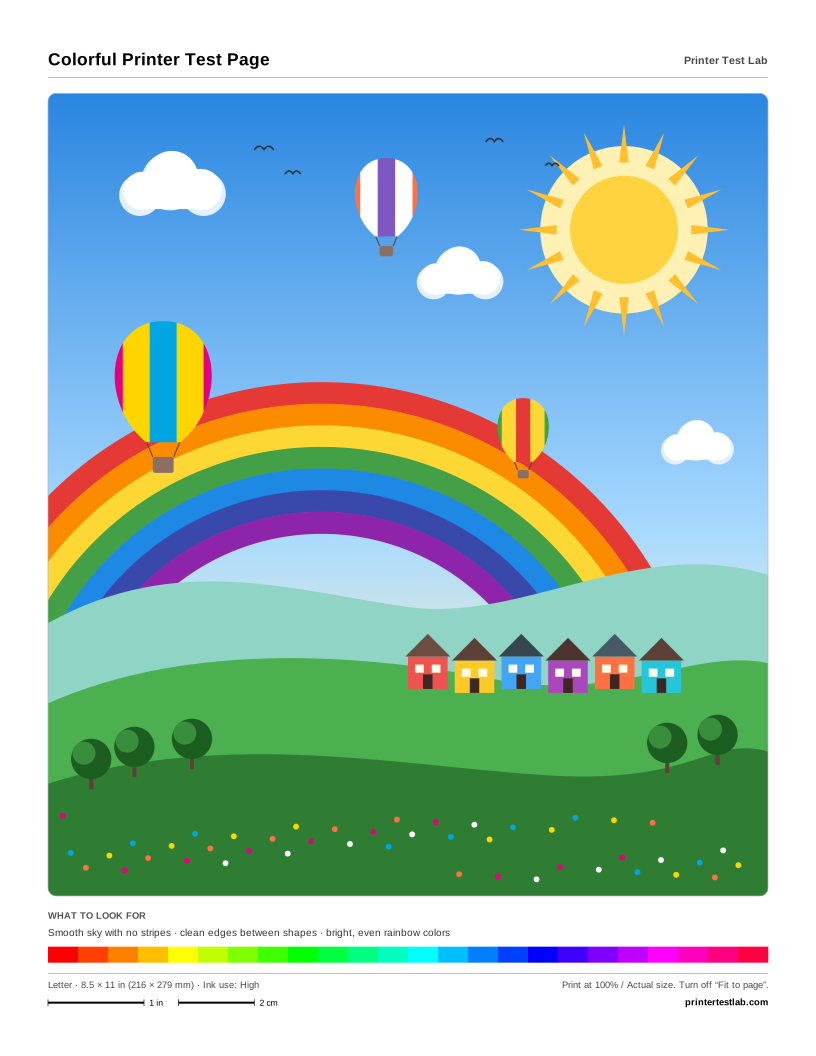
Colorful Printer Test Page
A bright landscape with a rainbow, hot air balloons and a hillside village. Fun to print, and it shows banding fast.
-
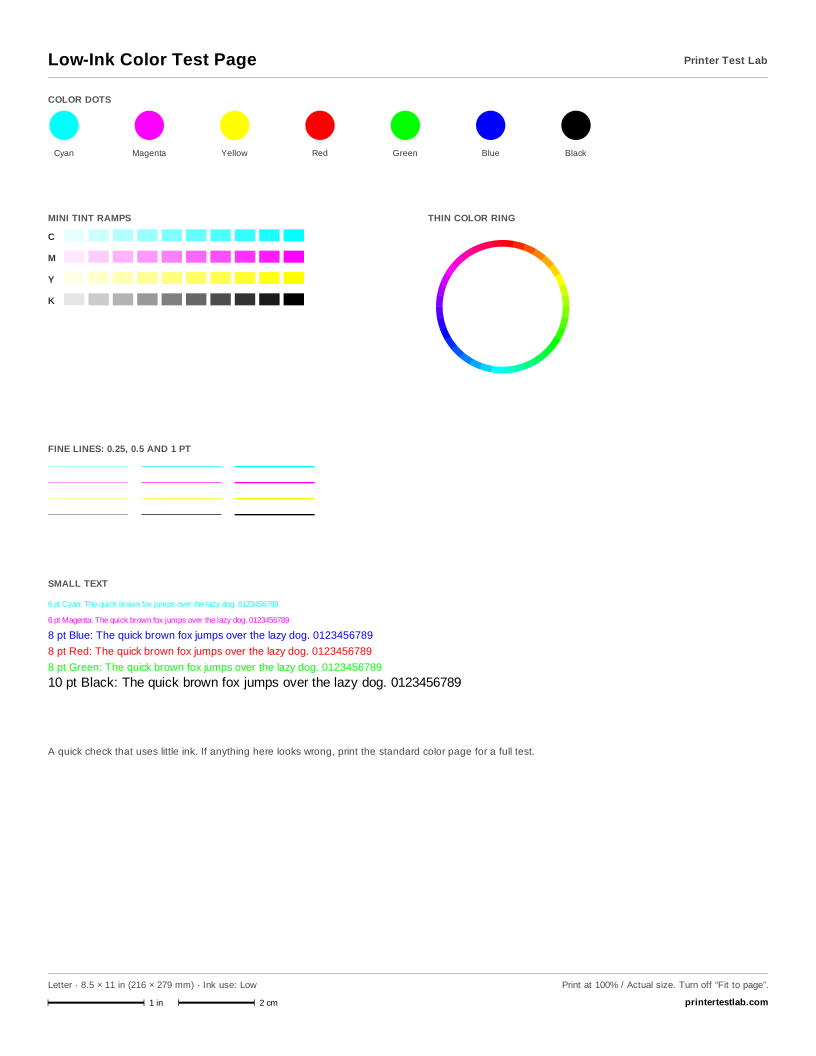
Low-Ink Color Test Page
A quick color check with small swatches, thin lines and text. Uses a fraction of the ink of the standard page.
Black and white test page PDFs
-
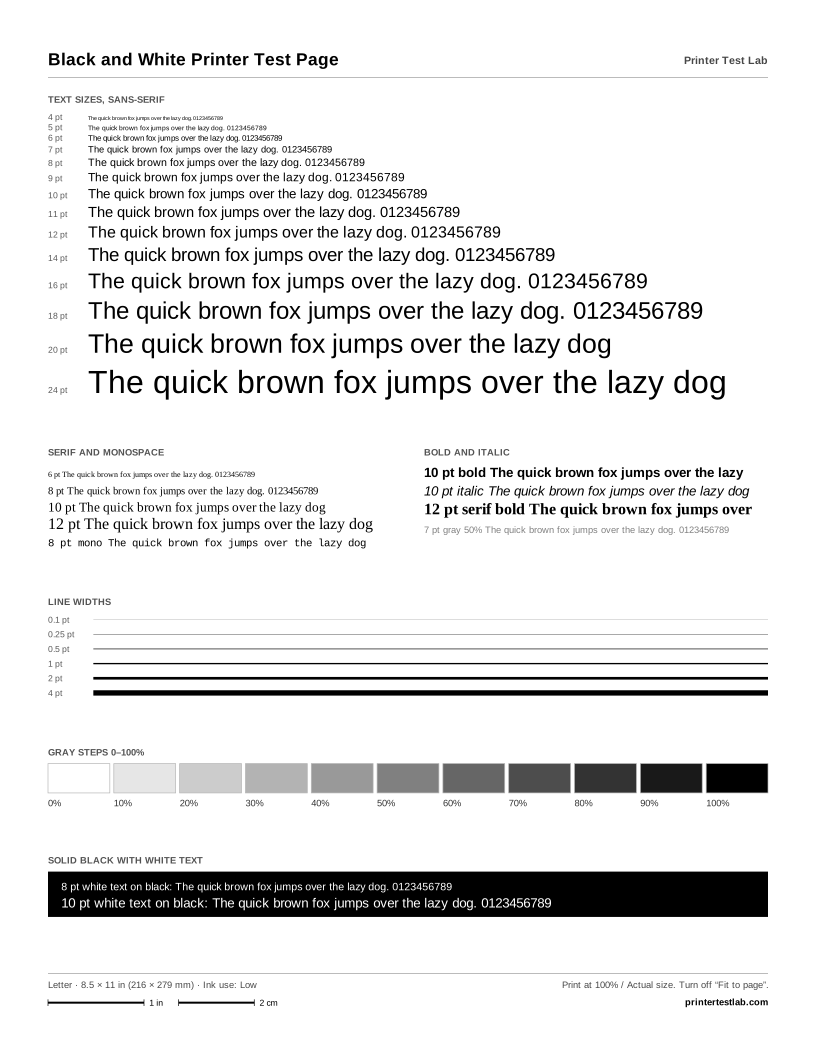
Black and White Printer Test Page
Black text from 4 to 24 pt in sans, serif and monospace, line widths, a gray strip and a solid black bar.
-
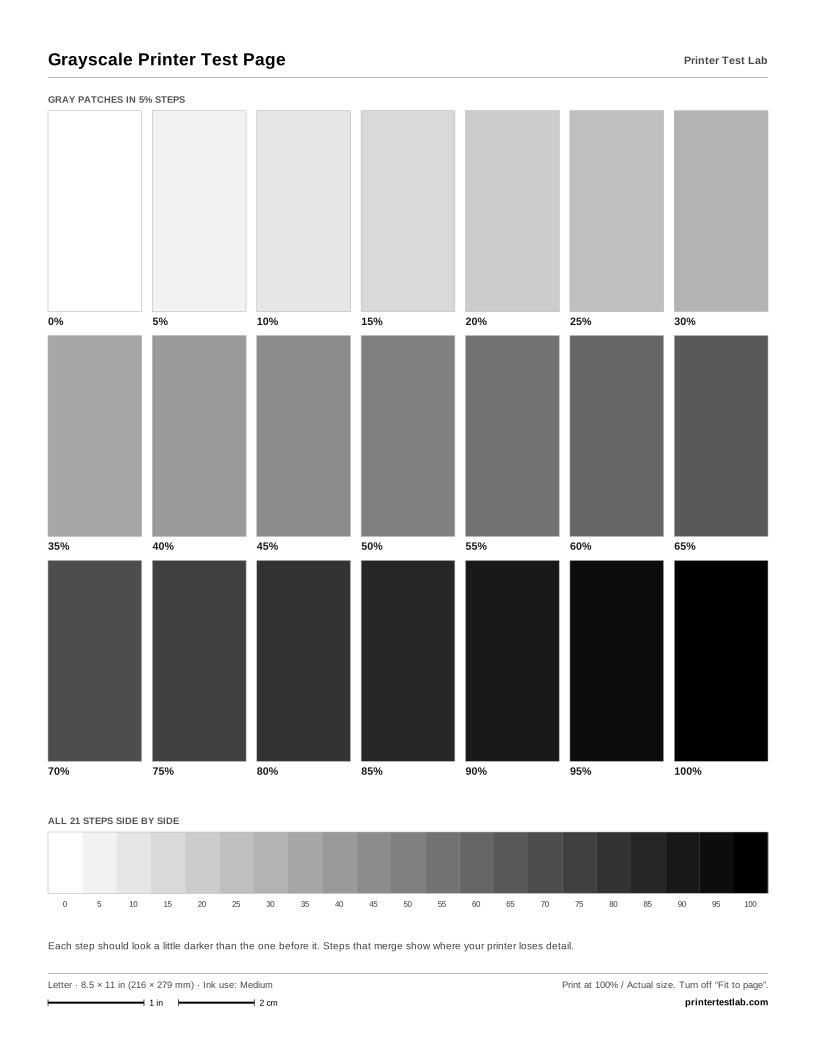
Grayscale Printer Test Page
21 gray patches from 0 to 100% in 5% steps, plus the same steps as one continuous strip.
-
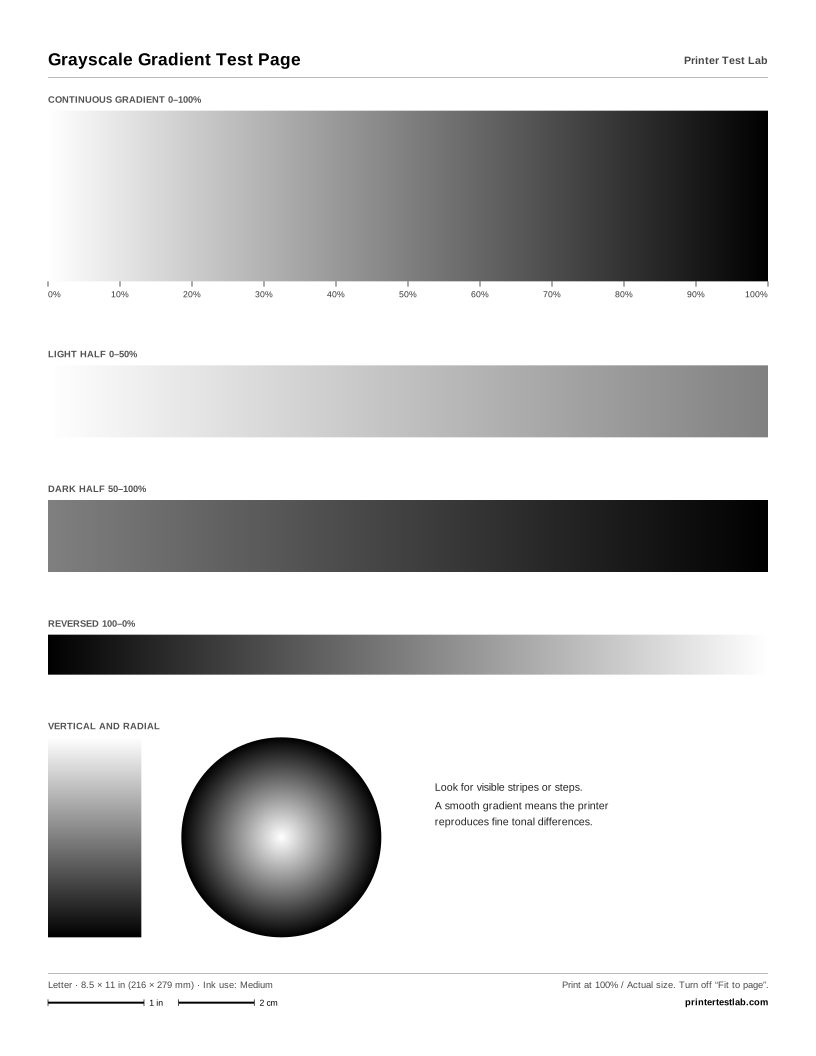
Grayscale Gradient Test Page
Smooth white-to-black gradients, expanded light and dark halves, a reversed bar and a radial gradient.
-
Full Black Page Print Test
The whole page in solid black. Shows streaks, faint bands and uneven coverage. Uses a lot of ink or toner.
Laser printer test page PDFs
-
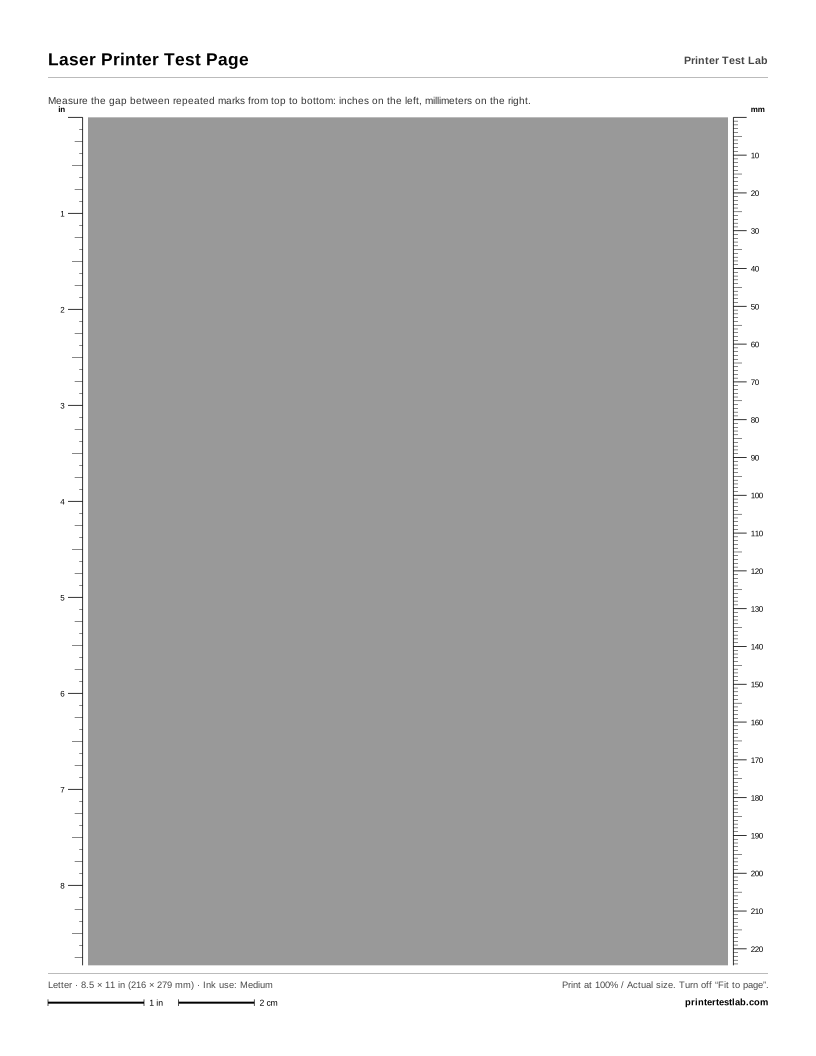
Laser Printer Test Page
An even 40% gray field with inch and millimeter rulers down both sides to measure repeating marks.
-
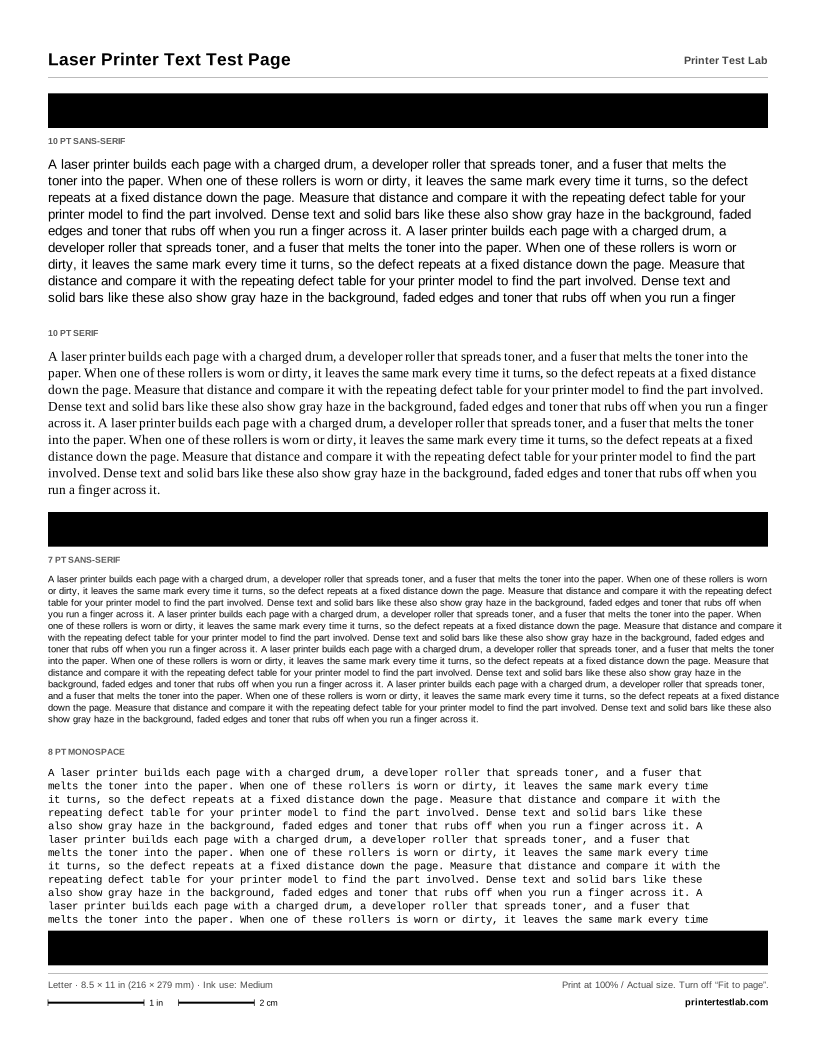
Laser Printer Text Test Page
Dense black text in several sizes between solid black bars. Shows fading, smearing, ghosting and loose toner.
-
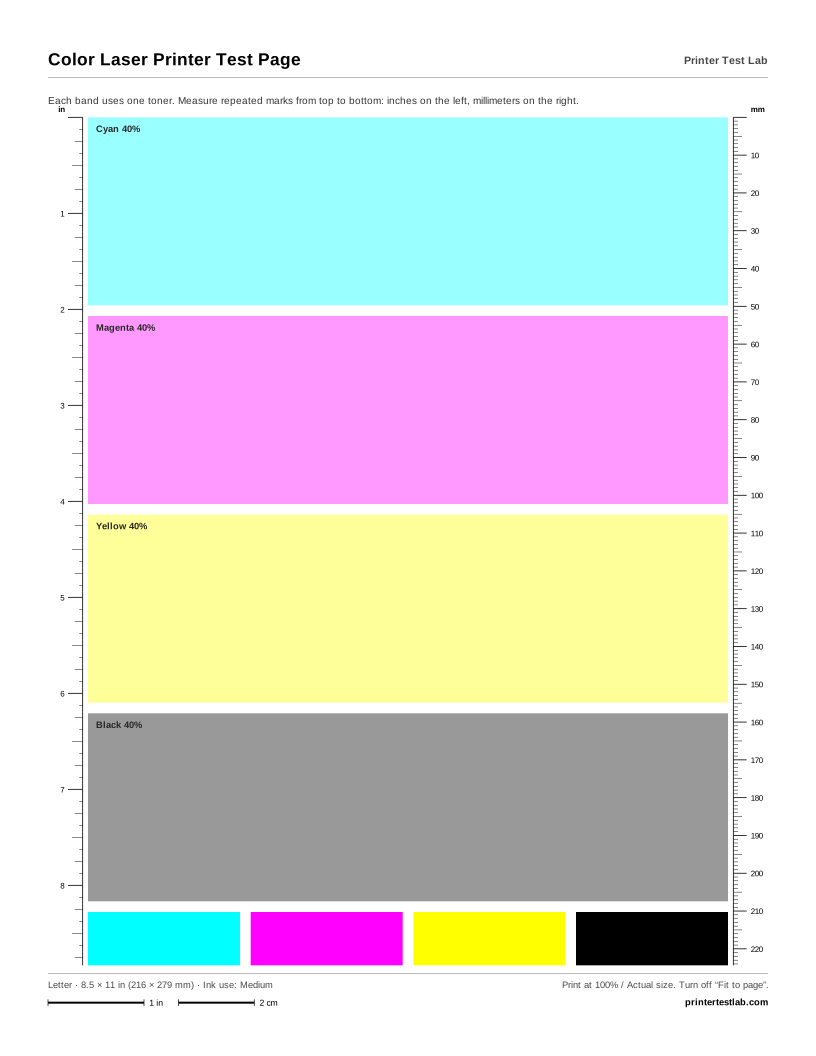
Color Laser Printer Test Page
Cyan, magenta, yellow and black bands at 40%, solid patches, and rulers to measure repeating marks per color.
Printer purge sheet PDFs
These cover most of the page in solid color to push ink through clogged nozzles. To choose channels, coverage or the number of sheets, use the purge sheet generator.
-
Printer Purge Sheet
Full-width bands of cyan, magenta, yellow and black that run every nozzle of each color. High ink use.
-
Cyan Purge Sheet
The whole printable area in solid cyan, to clear a cyan channel that prints faint or streaky. High ink use.
-
Magenta Purge Sheet
The whole printable area in solid magenta, to clear a magenta channel that prints faint or streaky. High ink use.
-
Yellow Purge Sheet
The whole printable area in solid yellow, to clear a yellow channel that prints faint or streaky. High ink use.
-

Black Purge Sheet
The whole printable area in solid black, to clear a black channel that prints faint or streaky. High ink use.
-
6-Color Purge Sheet
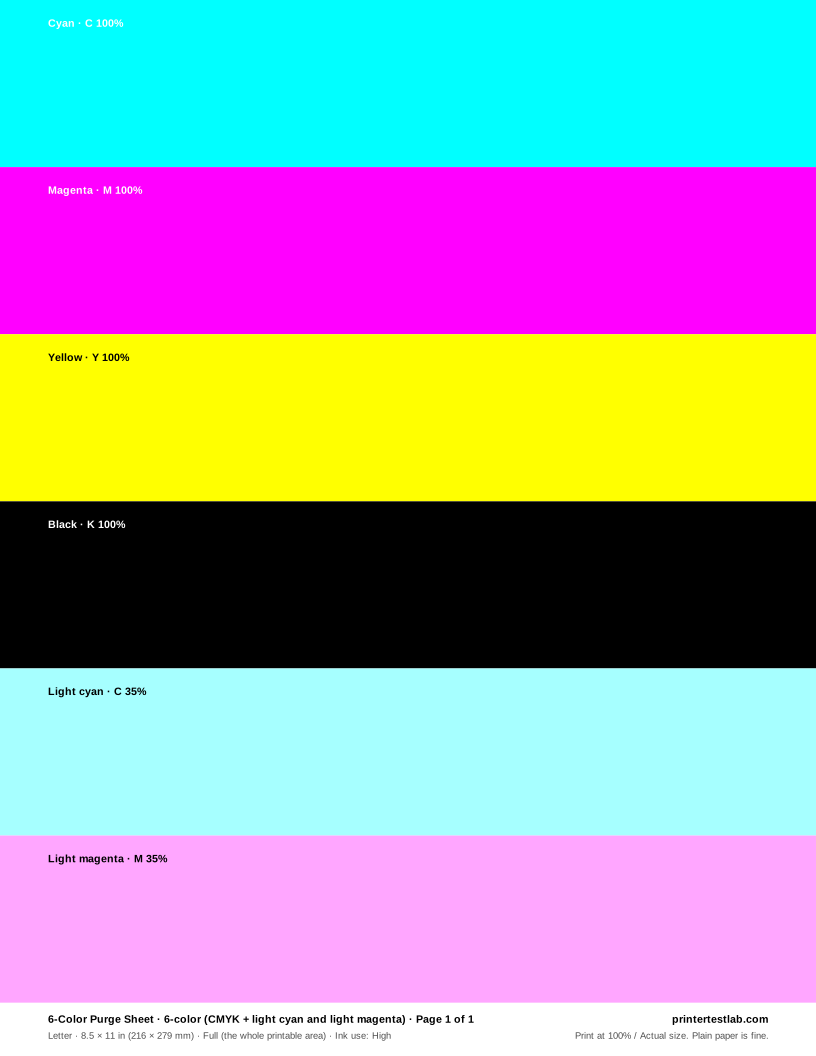
Bands of cyan, magenta, yellow, black and light tints of cyan and magenta for six-ink printers. High ink use.
-
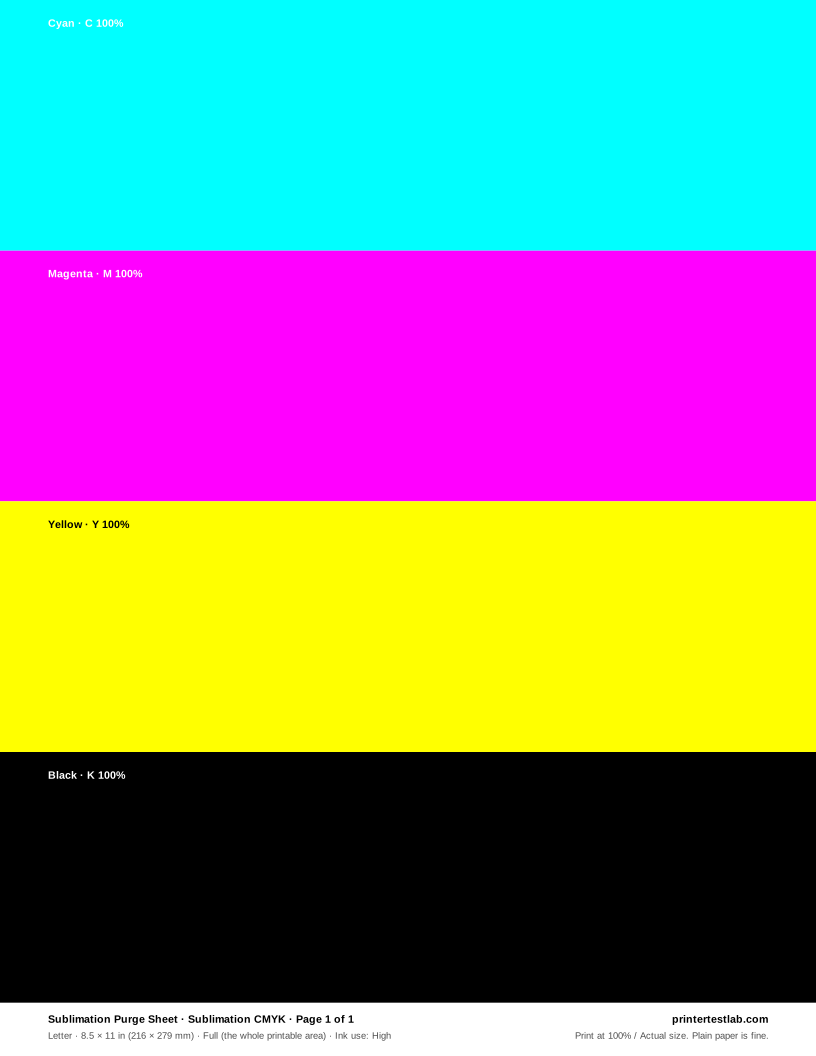
Sublimation Purge Sheet
CMYK bands for sublimation printers that sit idle between jobs. Print it on plain paper. High ink use.
Nozzle, alignment and scale PDFs
-
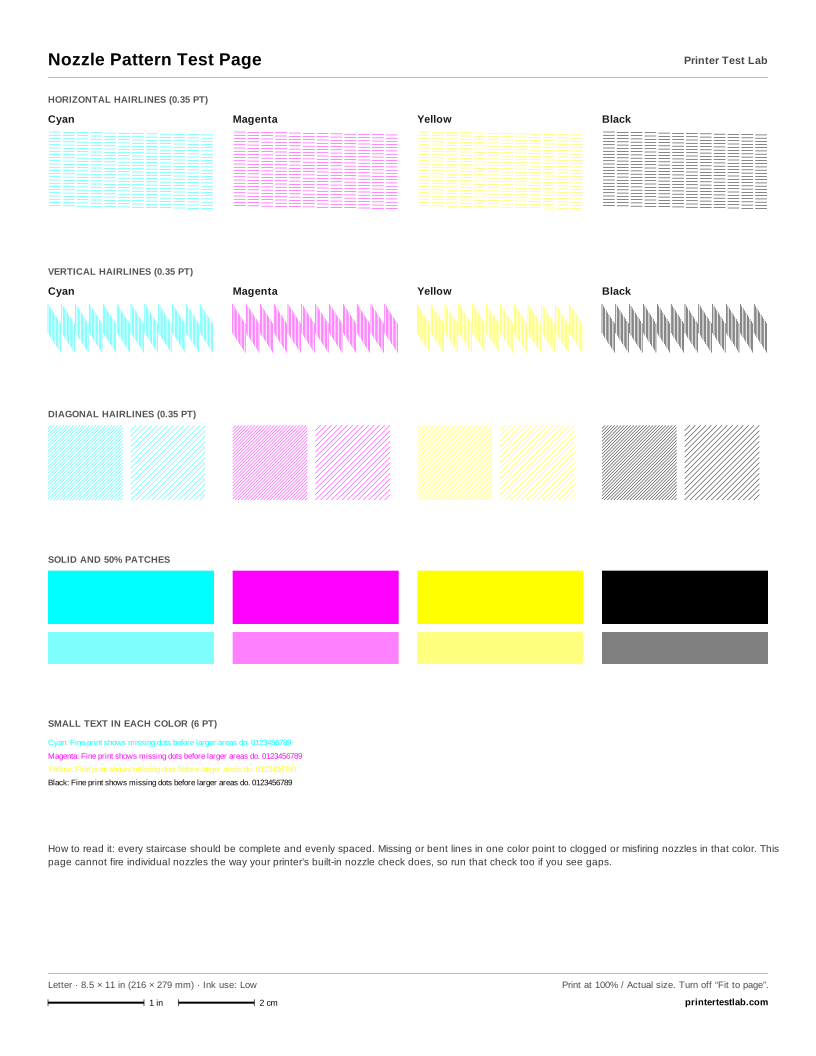
Nozzle Pattern Test Page
Hairline staircases in cyan, magenta, yellow and black. Gaps point to clogged nozzles. Not a replacement for your printer’s own nozzle check.
-
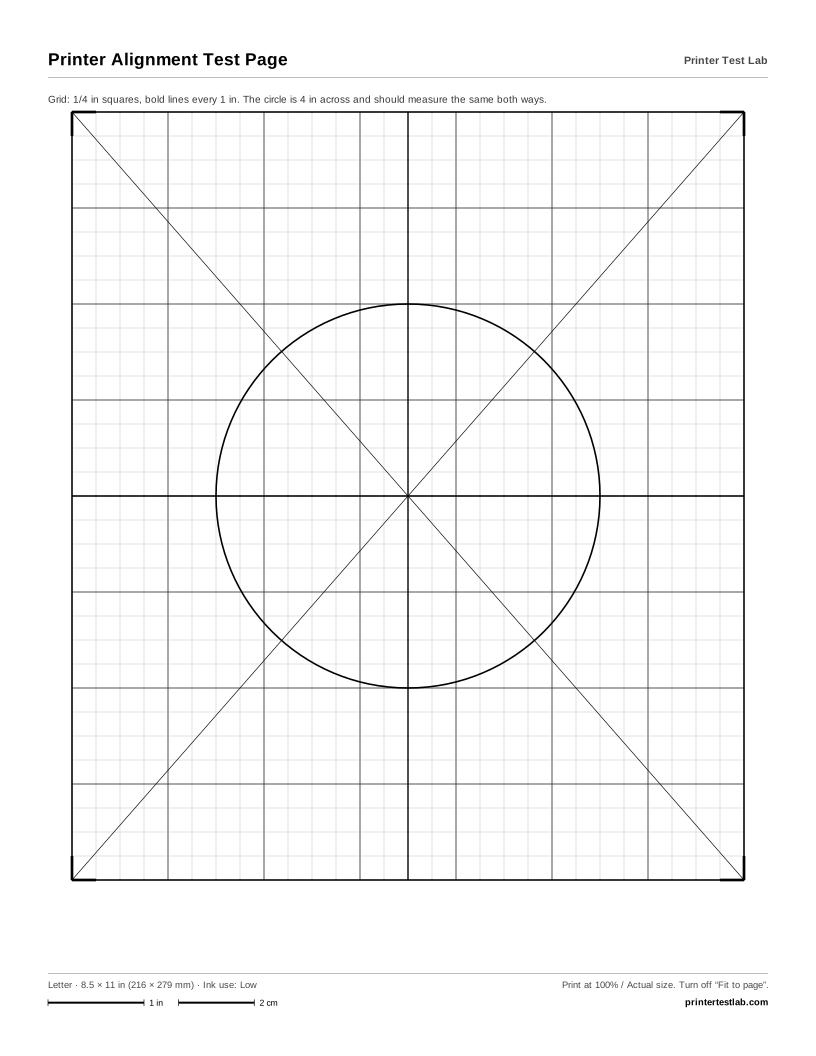
Printer Alignment Test Page
A precise grid with a center cross, diagonals, corner marks and a circle to check skew, offset and aspect ratio.
-
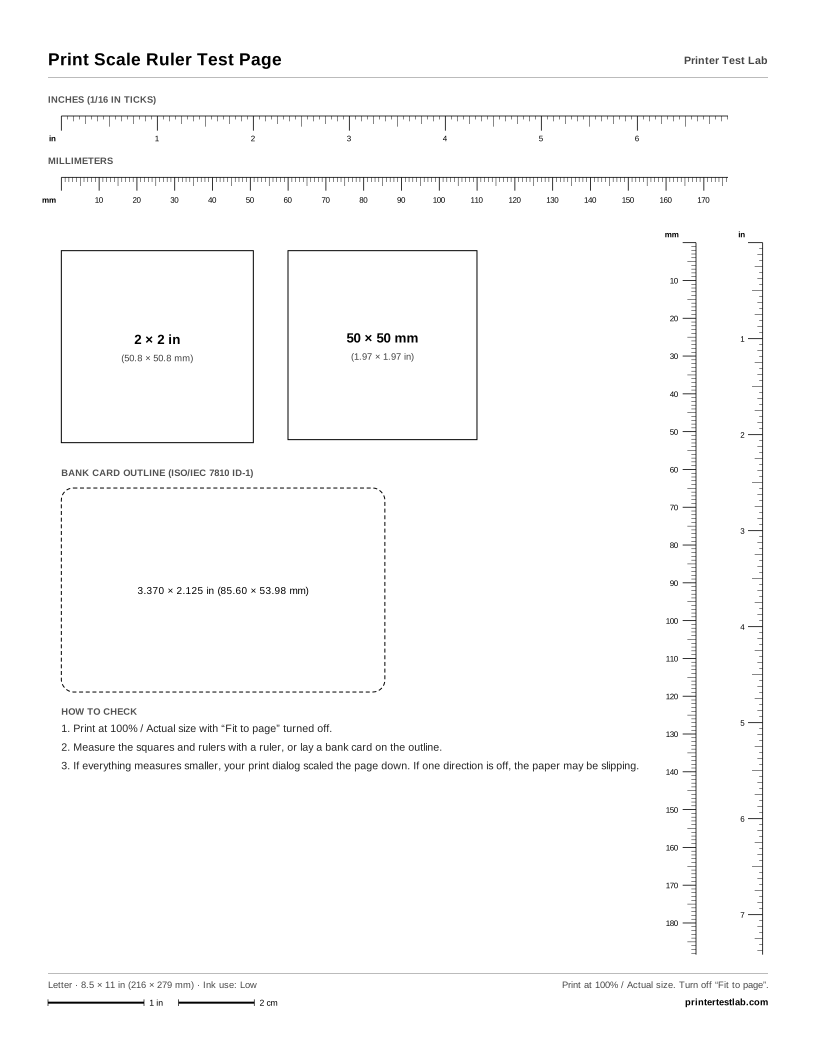
Print Scale Ruler Test Page
Inch and millimeter rulers, a 2 × 2 in square, a 50 × 50 mm square and a bank card outline to confirm 100% scale.
How to print a PDF at actual size
Most printing problems with test page PDFs come from scaling. Before you print, check these settings:
- Adobe Acrobat Reader: in the Print dialog, under Page Sizing & Handling, choose Actual size.
- Browser PDF viewers (Chrome, Edge, Firefox, Safari): look for Scale and set it to 100% or Actual size, and turn off Fit to page or Fit to printable area.
- Other apps: look for an option called Actual size, 100% or No scaling.
Then choose the paper size that matches your tray, select plain paper as the paper type, and use the standard quality setting. When the page comes out, measure the 1 in and 2 cm bars at the bottom. If they’re shorter, the page was scaled down; if a test sheet shows cut-off edges, the paper size in the dialog doesn’t match the paper.
Letter or A4?
Letter is the standard paper size in the United States, Canada, Mexico and parts of Latin America; A4 is used almost everywhere else. The two are close but not interchangeable: A4 is narrower and taller. Printing an A4 PDF on Letter paper cuts off the bottom, and printing Letter on A4 cuts off the sides, unless the viewer rescales it. Download the size that matches the printing test paper in your tray and the scale checks will work.
About these files
Every sheet was designed for this site from scratch and generated from the same source as the pages you can print online, so the PDF and the browser version match. Each PDF is a single page at the exact paper size, with a descriptive title and file name, for example color-printer-test-page-letter.pdf. The black and white printer test page PDF and the other grayscale sheets use only neutral grays; the files marked CMYK PDF store true CMYK values.
Prefer printing straight from the browser? The printer test page tool prints any of these sheets with one click, and the test print guides explain how to read each one.